
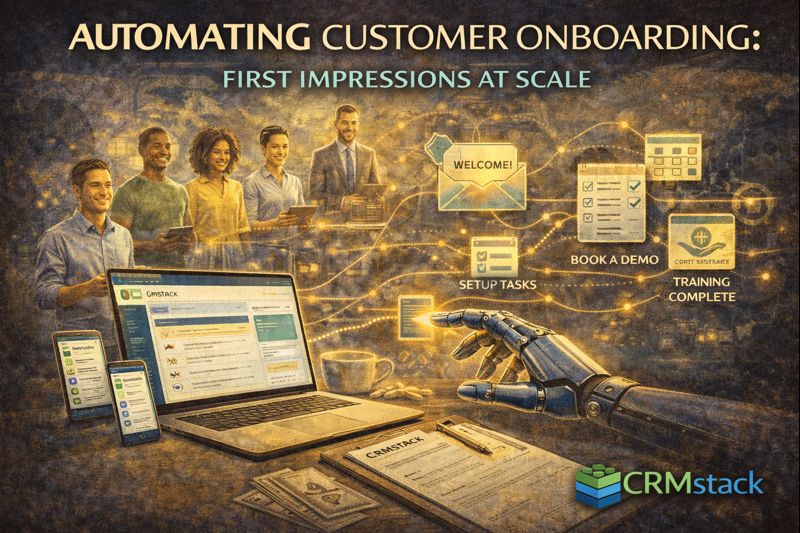
Automating Customer Onboarding: First Impressions at Scale
Automating Customer Onboarding: First Impressions at Scale
The first days of a customer relationship set the tone for everything that follows. Good onboarding creates confident, engaged customers. Poor onboarding creates confused customers who churn.
Automation ensures every customer gets consistent, timely onboarding—regardless of volume or busy periods.
Why Onboarding Matters
First impression: Post-purchase experience shapes how customers feel about their decision.
Time to value: Faster onboarding means customers see results sooner, increasing satisfaction and retention.
Support reduction: Good onboarding prevents common questions and confusion.
Churn prevention: Many customers who churn do so early, often due to onboarding failures.
Mapping the Onboarding Journey
Before automating, map what new customers need:
- Welcome and confirmation
- Account setup or service preparation
- First use or delivery
- Check-in on experience
- Training or education
- Ongoing support availability
Each business is different. Map your specific journey before building automation.
The Welcome Sequence
Immediate (0-1 hours):
- Thank you and confirmation
- What to expect next
- Key contact information
- Any immediate action required
Day 1-2:
- Setup instructions or preparation details
- Introduction to key resources
- FAQ or common questions
Day 3-7:
- Check-in: "How's everything going?"
- Offer help if needed
- Additional training or tips
Week 2-4:
- Value reinforcement
- Advanced features or additional services
- Request feedback
Trigger-Based Onboarding
Instead of just time-based sequences, use event triggers:
- Payment received → Trigger onboarding start
- Account created → Send setup instructions
- First login → Send getting started guide
- Feature used → Send tips for that feature
- Week without activity → Send re-engagement
Behavioral triggers create relevant, timely communication.
Personalization in Onboarding
Use CRM data to personalize:
- Name and company (basic personalization)
- Service purchased (relevant instructions)
- Source/referral (acknowledge how they found you)
- Goals mentioned during sales (reference them)
"Hi [Name], welcome! You mentioned wanting to [goal]—here's how to get started toward that."
Multi-Channel Onboarding
Don't rely on email alone:
- Email for detailed information
- SMS for quick reminders and check-ins
- Video for demonstrations
- Calendar invites for onboarding calls
Match channel to message type.
Tracking Onboarding Progress
In CRM, track:
- Onboarding stage per customer
- Onboarding completion
- Engagement with onboarding content
- Support tickets during onboarding
- Time to complete onboarding
Identify customers stuck in onboarding for intervention.
Human Touchpoints
Automation doesn't mean no humans:
- Scheduled onboarding call at key moment
- Personal outreach for high-value customers
- Human follow-up when issues detected
Automation handles scale; humans handle complexity and relationship.
Measuring Onboarding Success
Completion rate: What percentage complete onboarding?
Time to first value: How quickly do customers see results?
Support tickets: During vs. after onboarding—are common issues being addressed?
Early churn: Customers who leave in first 30-90 days—often onboarding failure.
The Bottom Line
Onboarding is too important to be inconsistent or manual. Automation ensures every customer gets the same great start, building confidence and reducing early churn.
Automate great first impressions.
Start Your 14-Day Free Trial


