
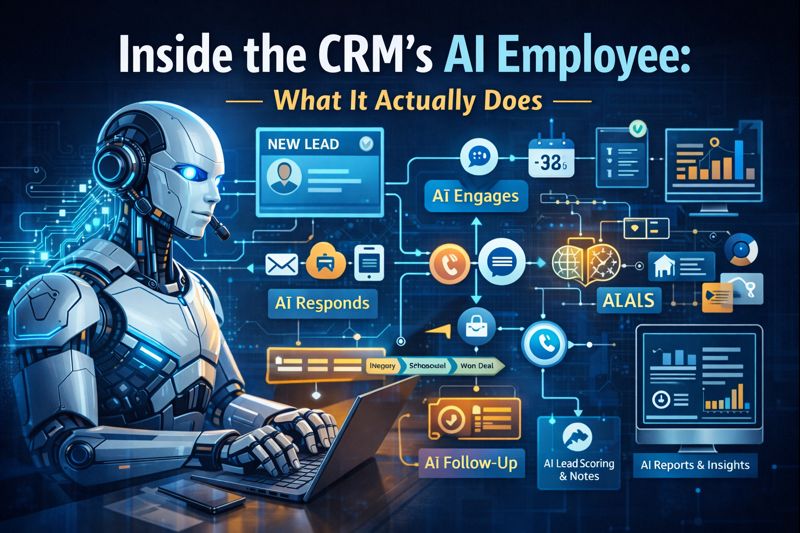
Inside the CRM’s AI Employee: What It Actually Does, How It Works, and Why It Matters
AI is being thrown into every tool right now — but most platforms are still treating it like a feature.
In this CRM, AI functions as a system-level employee. It operates inside core workflows: messaging, pipelines, scheduling, attribution, and reporting.
This article breaks down exactly what the AI does today, how it’s triggered, and where it fits inside real business operations.
Architectural Overview: Where the AI Lives
The AI is natively embedded into the CRM’s core modules, not layered on via third-party plugins.
Key integration points:
Contact records
Conversation threads (SMS, email, chat, voice)
Pipelines & opportunity stages
Calendars
Campaign logic
Workflow automations
Reporting & analytics
This matters because the AI has context:
Full contact history
Multi-channel engagement data
Funnel stage awareness
Behavioral signals
Timing logic
Most “AI tools” don’t.
AI Conversation Engine (Messaging Layer)
What It Operates On
Inbound SMS
Web chat
Facebook Messenger / Instagram DMs
Missed call text-back flows
Email replies
What It Actually Does
Parses inbound messages for intent classification
Inquiry
Objection
Scheduling
Price-related
Low-intent / browsing
Responds using context-aware prompts
References prior conversation history
Adjusts response length and tone automatically
Example:
If a lead asks:
“Do you do weekends?”
The AI:
Checks availability rules
References prior messages
Responds with a qualified answer
Offers next action (schedule, question, handoff)
No static scripts. No keyword-only logic.
AI Voice Handling (Call Intelligence)
Missed Call Handling
When a call is missed:
AI triggers immediate SMS follow-up
Logs call metadata to the contact record
Applies call outcome tags
Initiates follow-up workflows
Voice AI (Where Enabled)
Answers inbound calls
Collects caller intent
Captures structured data (name, reason, urgency)
Summarizes the call inside the CRM
Triggers downstream actions automatically
This eliminates lost-call leakage — a major revenue gap in most businesses.
AI Appointment Scheduling Logic
AI scheduling is not just a calendar link.
Capabilities
Reads real-time calendar availability
Enforces buffer rules
Handles multi-user calendars
Manages reschedules and cancellations
Sends confirmations and reminders automatically
AI Enhancements
Detects scheduling intent from conversations
Offers times proactively
Adjusts messaging if a user hesitates or doesn’t book
All activity is logged directly to the contact and opportunity record.
AI Content Generation (Campaign & Message Creation)
This is not just copywriting AI.
The AI can generate:
One-off emails
Newsletter drafts
SMS campaigns
Follow-up sequences
Review requests
Re-engagement campaigns
What Makes It Different
Pulls data from CRM fields (name, service, location, stage)
Adapts messaging by pipeline stage
Respects compliance rules (opt-in, throttling)
Allows human editing before deployment
You’re generating usable assets, not generic text blobs.
AI Workflow Intelligence (Automation Layer)
Traditional Automation
“If X happens, do Y.”
AI-Enhanced Automation
“If X happens, analyze context, then decide Y or Z.”
Examples:
Lead stops responding → AI changes follow-up cadence
Opportunity stalls → AI flags it for review
Contact replies negatively → AI pauses automation
Human replies → AI steps back automatically
This reduces automation noise and prevents embarrassing overlaps.
AI Pipeline & Opportunity Analysis
The AI continuously analyzes:
Pipeline velocity
Drop-off points
Stage duration
Conversion patterns
Outputs
Flags stuck deals
Identifies high-conversion behaviors
Surfaces leads most likely to close
Summarizes opportunity status for teams
Instead of dashboards you don’t check, the AI pushes insight forward.
AI Memory & Context Persistence
Every contact has a living memory:
Past conversations
Engagement history
Offers seen
Responses given
Timing patterns
This allows:
Non-repetitive conversations
Smarter follow-ups
Personalization at scale
Better human handoffs
The AI does not “reset” between interactions.
AI + Attribution & Tracking
AI works alongside tracking systems to:
Connect lead source → conversation → outcome
Identify which messages convert
Attribute bookings and revenue
Inform campaign optimization
This closes the loop between marketing and sales without manual reporting.
Security, Control, and Human Oversight
Important note:
AI does not operate independently without guardrails.
You control:
When AI is enabled
Where it responds
When humans are notified
What data it can access
What actions it can trigger
AI augments teams — it does not replace control.
Continuous Development & Release Cycle
AI features are actively developed and released weekly, including:
Improved intent detection
Expanded voice capabilities
Smarter workflow decisioning
Better summarization
Deeper personalization logic
This is a living system, not a static feature set.
Why This Matters Operationally
Businesses don’t fail from lack of leads.
They fail from:
Slow response times
Inconsistent follow-up
Dropped conversations
Manual overload
Disconnected tools
Embedding AI at the CRM level addresses those problems structurally, not cosmetically.
Try the System Yourself
The only way to fully understand this is to see it in action.
You can explore all AI features hands-on with a 14-day free trial:
No obligation. No setup pressure.
Just real workflows, real data, real AI behavior.


