
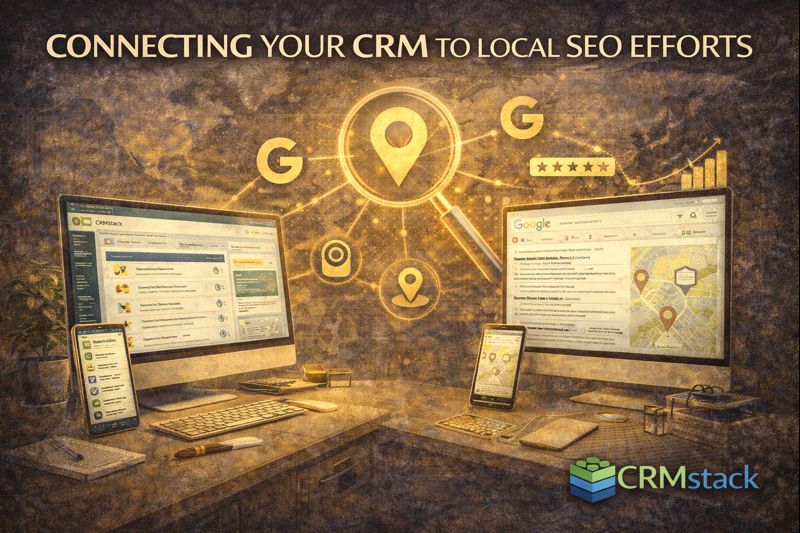
Connecting Your CRM to Local SEO Efforts
Connecting Your CRM to Local SEO Efforts
Local SEO and CRM often live in separate silos. Marketing handles SEO; sales uses the CRM. But connecting them creates powerful feedback loops that improve both.
Why Integration Matters
Your CRM contains data that directly impacts local SEO success:
- Customer contact information for review requests
- Service completion triggers for request timing
- Location data for geographic targeting
- Source tracking to measure SEO ROI
And local SEO generates leads that flow into your CRM:
- Google Business Profile clicks and calls
- Organic search traffic converting on forms
- Reviews influencing buying decisions
Treating these as separate is leaving value on the table.
Automated Review Requests
The most direct connection: using CRM events to trigger review requests.
When job status changes to "Complete" or payment is received, your CRM can automatically:
- Wait an appropriate interval (same day for quick services, a day or two for projects)
- Send a satisfaction check message
- Route satisfied customers to Google review link
- Route dissatisfied customers to private feedback
This is reputation automation—and it's only possible when your CRM knows when jobs complete.
Location-Based Segmentation
Your CRM tracks where customers are located. Use this for:
Review targeting: Ask customers to mention their city/neighborhood. "Thanks for letting us help with your Lakewood project—would you mind mentioning the area in your review?"
Content ideas: See which areas generate most customers. Create location pages and content for high-performing areas.
Expansion decisions: CRM data shows where demand exists. Expand service areas where inquiries come from.
Lead Source Tracking
Track which leads come from local SEO efforts:
- Google Business Profile (calls, messages, clicks)
- Organic search (form submissions from non-paid traffic)
- Review platforms (Yelp, etc.)
In your CRM, tag leads by source. Then track which sources produce customers, not just leads.
This closes the loop: you know whether your local SEO investment generates actual revenue, not just rankings.
GBP Messaging Integration
Google Business Profile allows direct messaging. These messages should flow into your CRM:
- Create or update contact records from GBP messages
- Log conversation history with the contact
- Trigger follow-up workflows
- Enable AI response for instant engagement
Without CRM integration, GBP messages exist in a separate inbox that's easy to miss.
Call Tracking for GBP
Use call tracking numbers specifically for your GBP listing. When calls come through that number:
- You know they came from GBP
- Call creates or updates a contact record
- Missed calls trigger text-back automation
- Source is automatically tagged
This gives you accurate attribution for GBP calls versus website versus other sources.
Review Content in CRM
Store review data in your CRM:
- Has this customer left a review?
- What rating did they give?
- Which platform?
Use this to:
- Avoid asking for reviews from people who've already left one
- Identify happy customers for case studies or referral requests
- Flag negative reviewers for personal follow-up
Using CRM Data for Local Content
Your CRM is a content goldmine:
FAQ content: What questions do customers ask most? Create location pages addressing these.
Case studies: Which projects had great outcomes? Document them for portfolio content.
Service demand: What services are most requested? Ensure those have strong local landing pages.
Local SEO content should reflect what customers actually need—and your CRM has that data.
Competitor Analysis Support
When prospects mention competitors during sales conversations, log it in the CRM:
- Who are they comparing you to?
- What are competitors' perceived strengths/weaknesses?
This informs local SEO strategy: which competitors to monitor, what differentiators to emphasize, what keywords to target.
Feedback Loop for Optimization
Close the loop from rankings to revenue:
- Local SEO generates visibility
- Visibility generates leads (tracked in CRM)
- Leads convert to customers (tracked in CRM)
- Customers leave reviews (automated from CRM)
- Reviews improve rankings
- Repeat
Without CRM integration, you only see pieces of this picture. With integration, you see the complete flywheel—and can optimize each stage.
Implementation in CRMstack
In CRMstack, many of these integrations are native:
- Review requests trigger automatically from pipeline stage changes
- Call tracking numbers log to contact records with source tags
- GBP messages can be connected to the unified inbox
- Lead source reporting shows which channels produce revenue
The platform handles the connection; you focus on using the data.
The Bottom Line
Local SEO and CRM aren't separate disciplines. Your CRM enables systematic review generation. Local SEO generates leads your CRM tracks. The data from each improves the other.
Connect them, and you build a self-reinforcing system where SEO, sales, and reputation work together.
Connect your CRM to your local SEO strategy.
Start Your 14-Day Free Trial


